How ZappContact works.
From event setup to post-event lead export, in five steps.
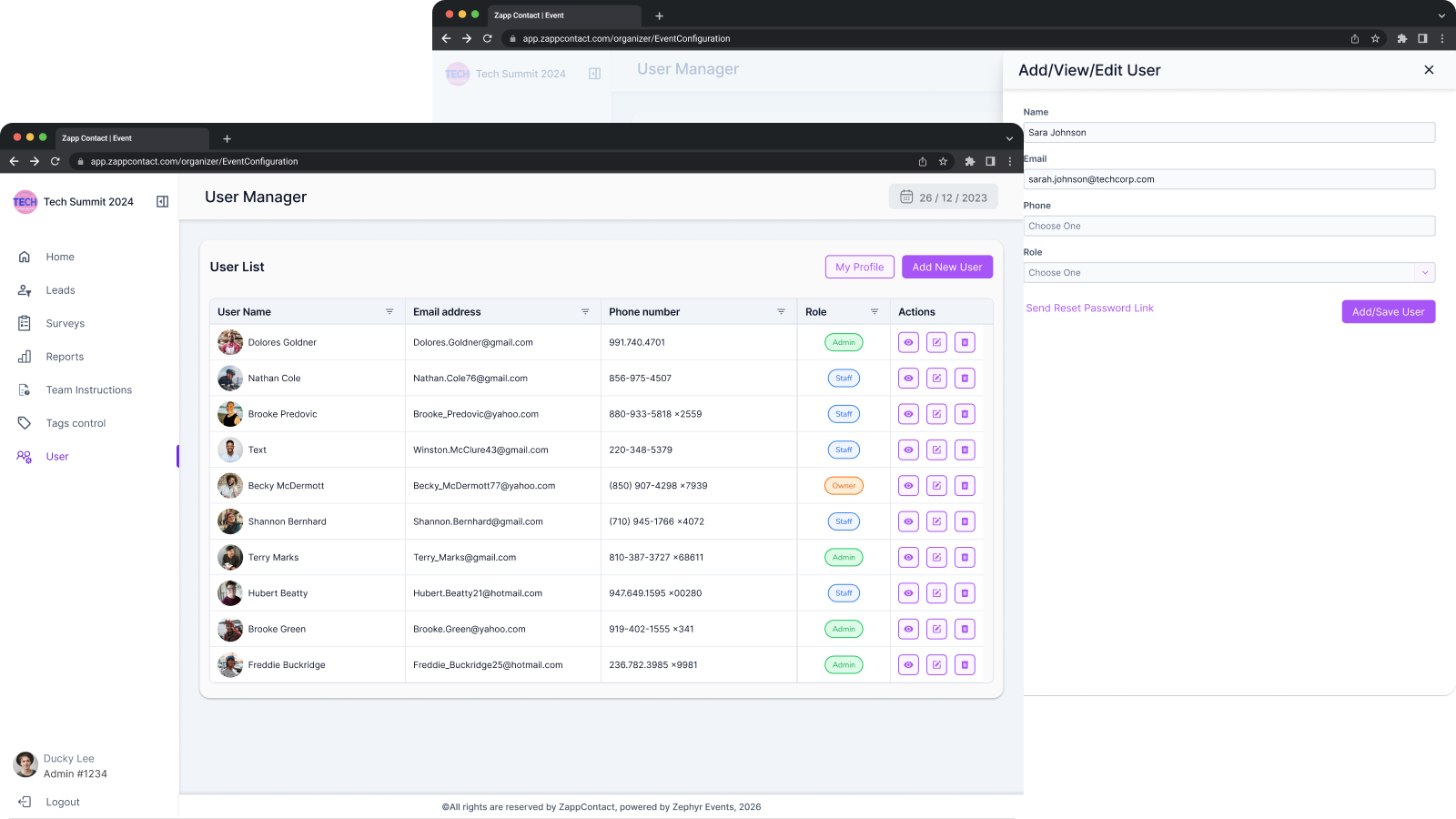
Step 1. Organizer setup.
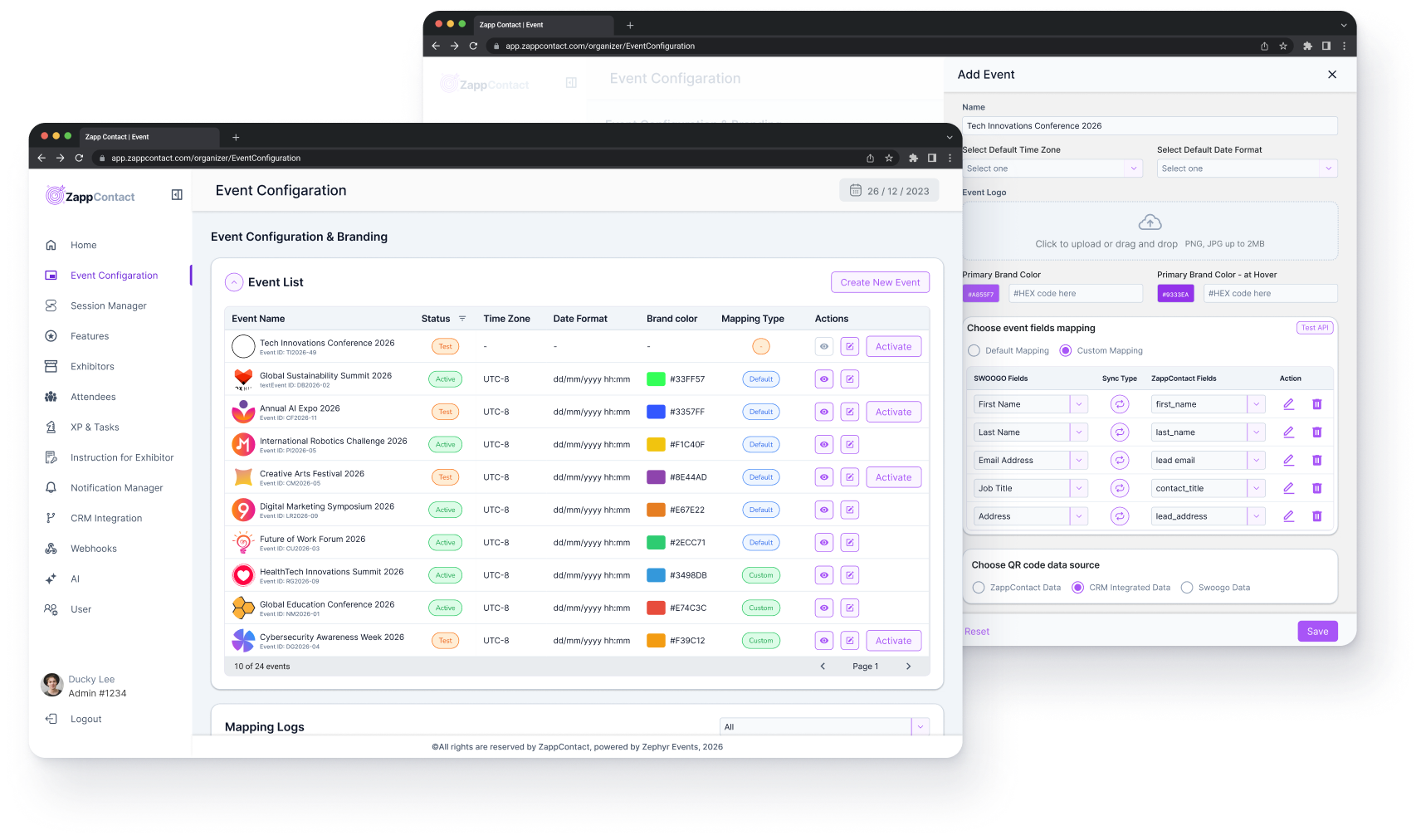
Create your event in ZappContact. Connect Swoogo with one click. Invite exhibitors via email. Configure branding for the whole event. Done in under ten minutes.
Step 2. Exhibitors and their teams.
Each exhibitor gets their own dashboard. They invite booth staff via email or a 6-character team code. Staff open a link, scan a QR code, and they are in. No app store. No installs.
Step 3. Scanning on the floor.
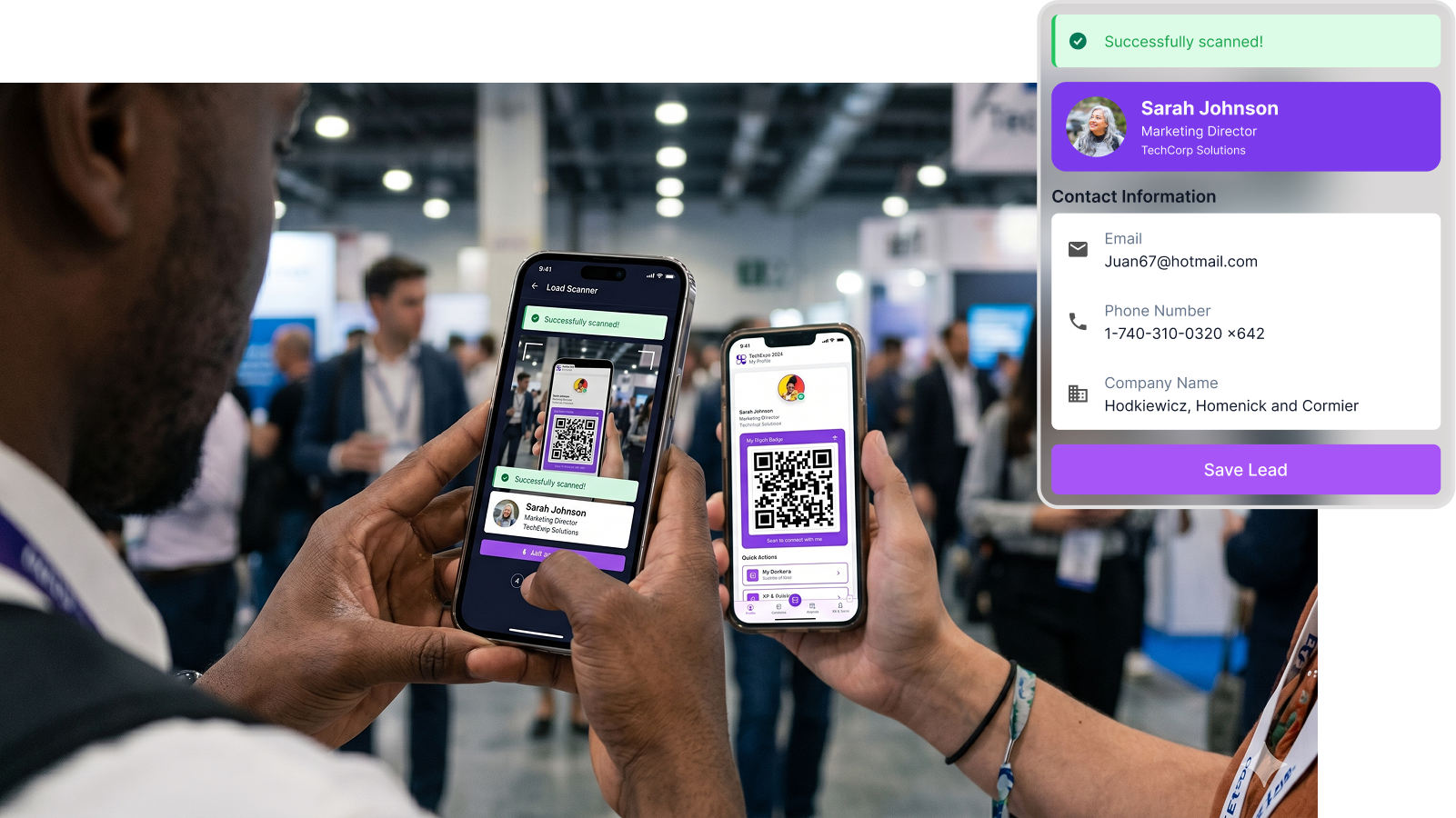
Booth staff scan attendee badges with their phone camera. Each scan creates a lead. Add qualification fields, star rating, notes, and voice memos. Works fully offline. Scans queue locally and sync the moment connectivity returns.
Step 4. Engagement that sticks.
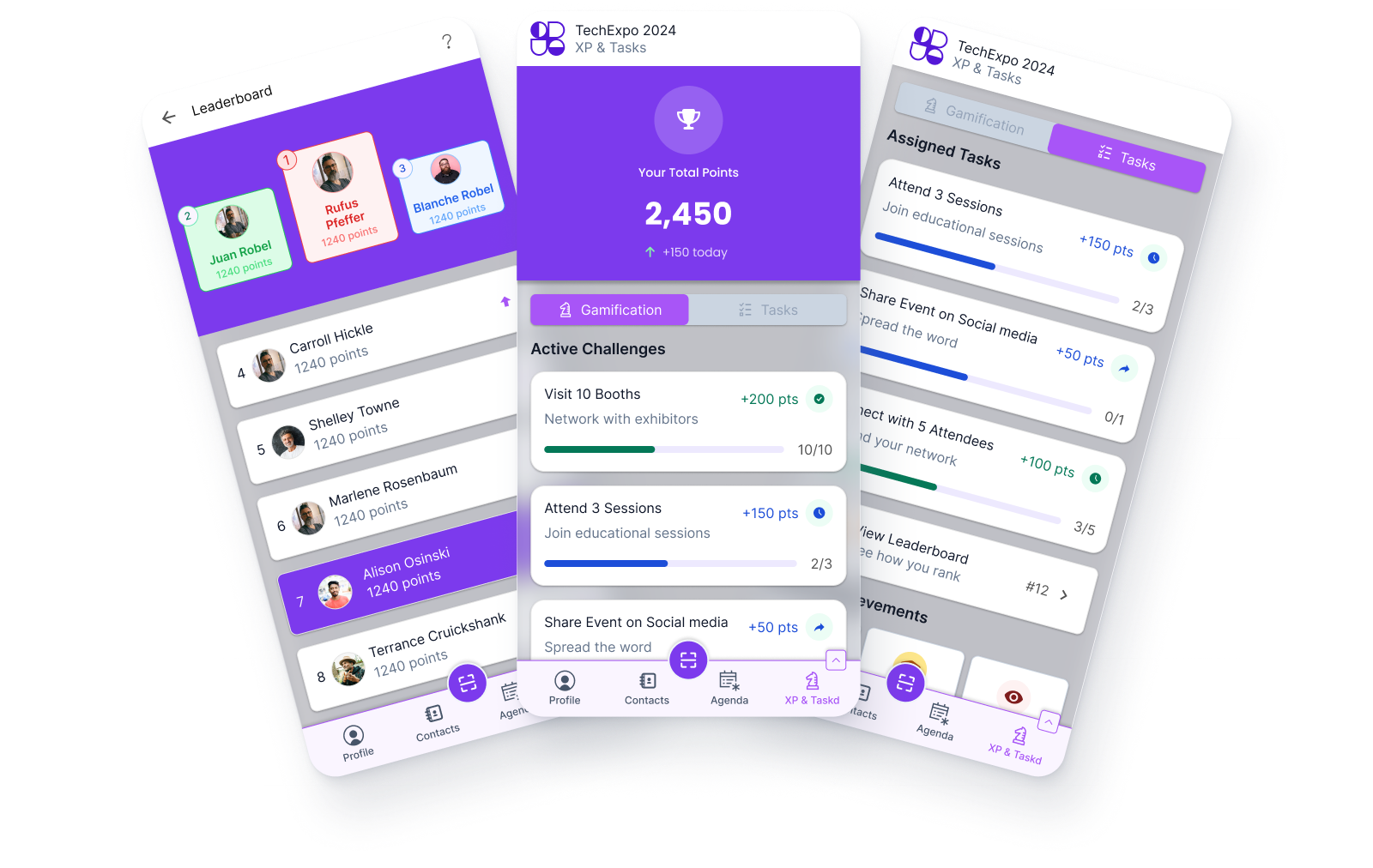
Build custom surveys for booth conversations. Run leaderboards and challenges to keep booth staff motivated. Give attendees their own networking layer to scan each other and export vCards.
Step 5. Lead export and analytics.
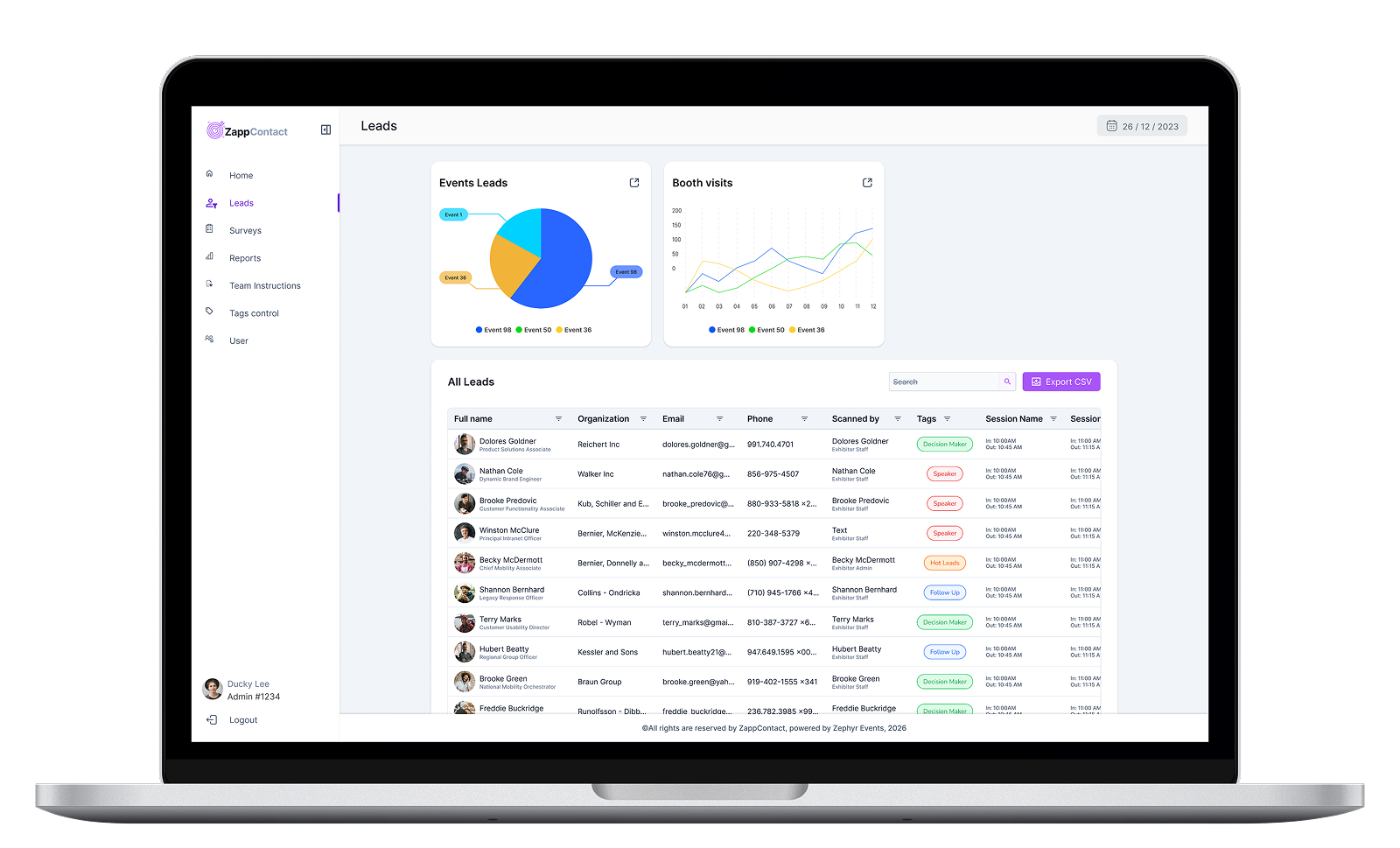
Export leads as CSV. Sync to your CRM via webhooks. Review aggregate analytics on scans, leads, top exhibitors, and survey responses. Data stays accessible for 90 days post-event in full read mode, then archives to aggregate stats with full restoration on request.